
Contact details
Your contact details help me reach you when it matters. You can update the name and email used for support conversations and important app-related communication at any time.
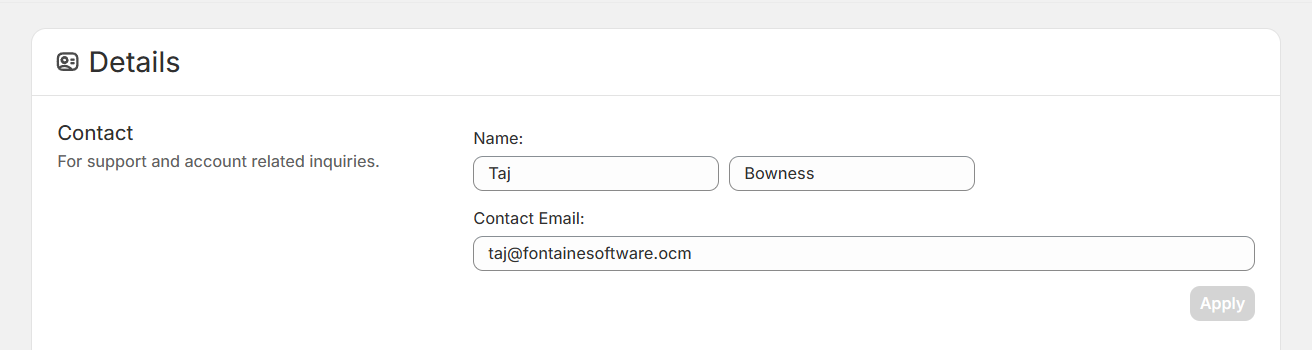
Where to update your contact details
To change your contact details in SKU Manager:
In the sidebar, go to Account.
Select Details.
In the Contact section, edit your name and email address, then save your changes.
What your contact details are used for
I only use your contact details when I need to reach you directly about SKU Manager.
Support replies: If you send a support question, replies will go to the email address listed here.
Important app-related updates: I may use these details to contact you about issues, changes, or other information you need to know about the app.
Direct communication when needed: If there is something specific that affects your account or use of the app, this is how I will reach you.
Your contact details are not used for marketing.
Choose the name you want to be addressed by
The name saved in your contact details is the name I will use when I contact you.
Depending on your store setup, SKU Manager may have originally pulled in your store name. If you would rather be addressed by your own name, or by a different contact name, you can update it here.
Use a name and email address that you actively monitor so you do not miss important support messages or app-related updates.